Managing your orders
You can manage your orders on the Order History page.
Order History

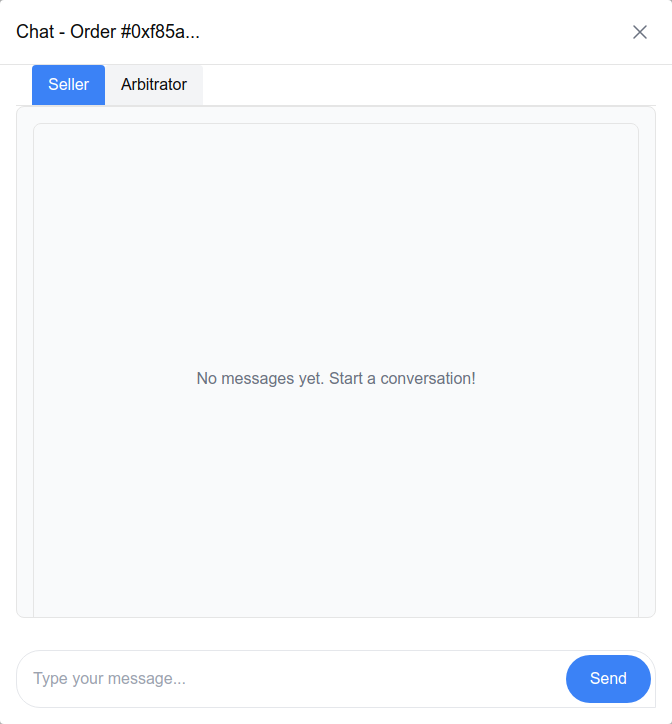
This will show you all the orders you've made and their current status, and you can also chat with the seller or arbiter regarding your order.
Under View Details, you can see the details of the order, the order events (payment, confirmation, dispute, etc.) and actions you can take.
Order Details

Order Summary
The order summary will show you all the relevant information regarding the order.
Order Events
A timeline of the events for your order. This will show you what has happened and when. For example: the payment event, a settlement event (confirmation), a dispute that was opened, etc.
Order Actions
Depending on the order status, you may be able to confirm receipt (by settling the order), open or close a dispute, etc. As always, don't forget to sign the transaction with your wallet.
Chat
Make sure you're connected to XMTP to activate the chat feature. (Click on "Enable Messaging" in the top right corner of the page)
Click on the chat icon, next to order you want to chat about. There's a tab for the seller and another for the arbiter.