Browse listings
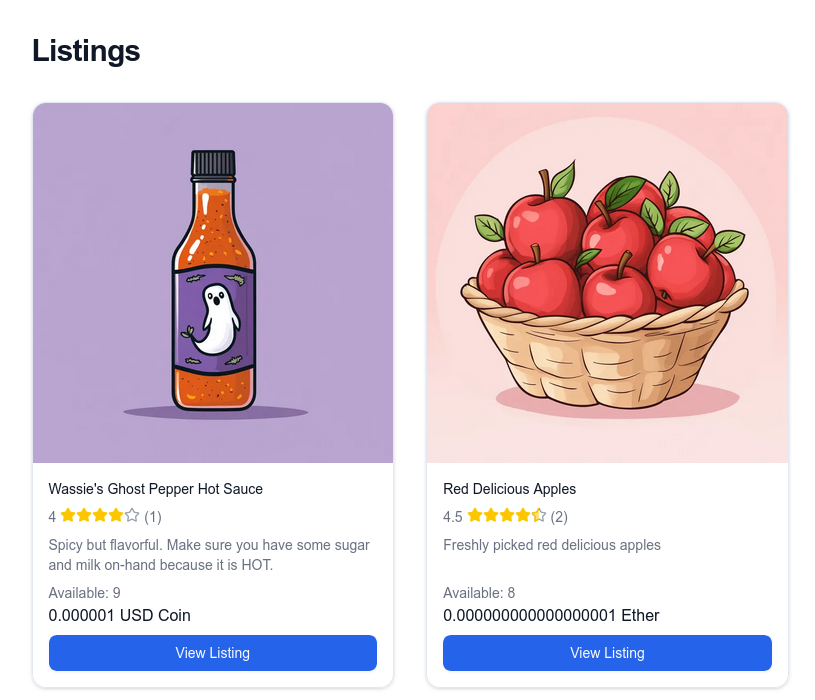
When you click on a storefront, you'll see a list of items for sale. Here's how our demo listings looks like:
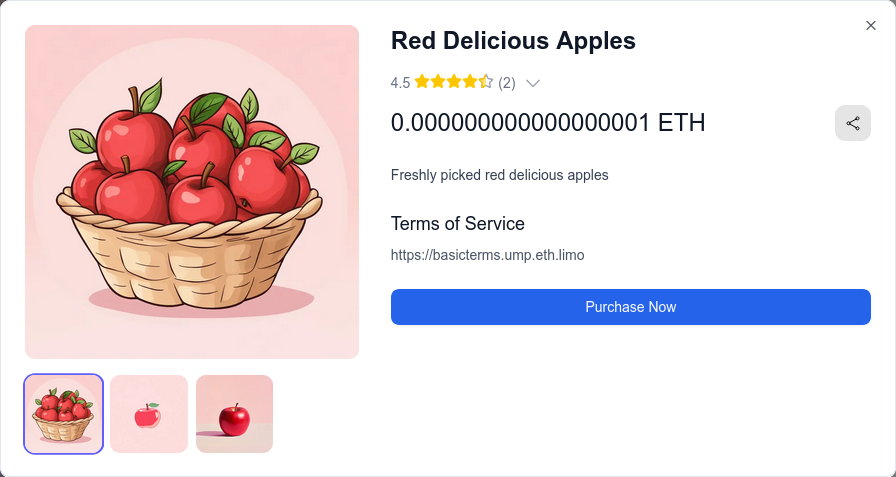
When you click on an item, you'll see a detailed view of the item.
This includes:
- The usual information like the name, description, and pictures
- The price and token used to purchase the item
- The terms of service
- Reviews and ratings from previous buyers
Note
You can learn more about how our review system works in the Reviews and Ratings section.